
Контакт
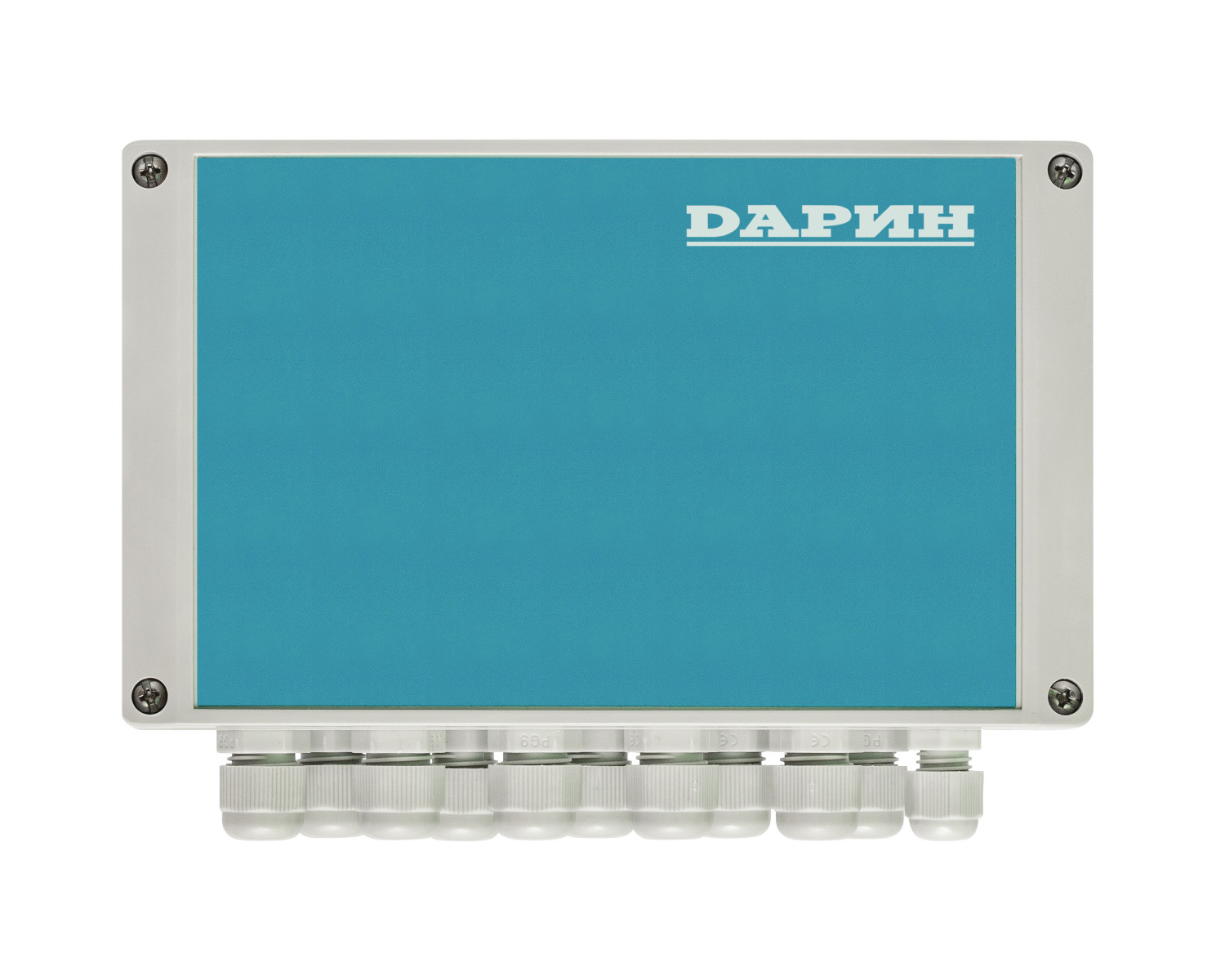
Артикул: 08-03-000-00
Цена: 75 490 руб.
| Габариты (без учёта гермовводов): |
200х120хф80 мм. |
| Вес: |
0,62 кг. |
| Рабочее напряжение: |
220…230 В (однофазное). |
| Потребляемая мощность прибора: |
5 Вт. |
| Предохранитель питания прибора (5х20 мм): |
1,0 А. |
| Диапазон рабочих температур: |
0…+40ºС. |
| Класс защиты: |
IP 65. |
- Прибор КОНТАКТ = 1 шт.
- Комплект крепежа (саморез = 4 шт, дюбель = 4 шт.), арт.42-50-002-00 = 1 шт.
- Паспорт = 1 шт.
- Руководство по эксплуатации и монтажу = 1 шт.
- Шаблон для крепления прибора = 1 шт.
- Гарантийный срок службы прибора в течение 24 месяцев со дня продажи при условии соблюдения Покупателем требований к транспортированию, хранению, монтажу и эксплуатации, изложенных в Руководстве по эксплуатации.
- Во избежание возможных недоразумений сохраняйте в течение срока службы прибора документы, прилагаемые к нему при продаже (Гарантийный талон, накладные).
- Гарантия не распространяется на прибор, если его недостатки возникли вследствие:
- нарушения Покупателем правил транспортирования, хранения и эксплуатации прибора;
- неправильного монтажа или подключения прибора;
- внесения несанкционированных Производителем изменений в конструкцию прибора;
- отклонения параметров питающей сети от требований Руководства по монтажу и эксплуатации;
- действий третьих лиц;
- действий непреодолимой силы (стихия, пожар, молния, наводнение, затопление и т.п.).
Срок службы прибора: не менее 10 лет.
Удалённое управление поддерживается для приборов Стандарт 220В, Стандарт 380В, Профи, Мастер, Станция КРИСТАЛЛ (все типы), как новыми, так и установленным за последние 2-3 года. Некоторым установленным на объекте приборам и станциям может потребоваться замена платы с микросхемой для полноценного использования всех функциональных возможностей удалённого управления. К каждому блоку КОНТАКТ может быть подключен один прибор управления фильтрацией (Стандарт, Профи, Мастер) или одна станция дозирования КРИСТАЛЛ, или блок управления Аттракционами, или то и другое вместе взятое, таким образом, один блок КОНТАКТ предназначен для удалённого управления одним бассейном.
Для обеспечения работы требуется соединение блока КОНТАКТ с оборудованием DАРИН двухжильным проводом и устойчивый канал связи блока КОНТАКТ с сетью Интернет (LAN или Wi-Fi).
Подключение к Системе удалённого управления осуществляется через браузер. На сервере DАРИН организуется личный кабинет с указанием электронной почты пользователя, на которую будут приходить оповещения.
При входе в систему пользователь увидит список своих объектов. Один объект — это один бассейн: один набор приборов, подключенных к одному блоку КОНТАКТ. Для добавления нового объекта необходимо ввести серийный номер блока КОНТАКТ.
К каждому объекту могут иметь доступ несколько пользователей: один владелец, несколько технических специалистов и гостей:
- Владелец обладает самыми широкими функциональными возможностями: он может управлять правами других пользователей, то есть давать или запрещать доступ к Системе другим пользователям. Управлять всеми настройками приборов, просматривать историю событий, графики.
- Технические специалисты обладают такими же правами, как и владелец, но не могут управлять правами других пользователей.
- Гости имеют возможность только просматривать информацию об объекте, но не изменять её.
Каждый пользователь, имеющий доступ к объекту, может присвоить ему собственное наименование и загрузить изображение. У технических специалистов может быть много объектов, к которым он имеет доступ.
Владелец и технический специалист могут осуществлять настройку оборудования: добавлять или удалять приборы из конфигурации объекта. Для добавления прибора в конфигурацию объекта необходимо ввести код доступа (номер прибора). Если не добавить прибор в конфигурацию объекта, осуществлять удалённое управление этим прибором будет невозможно.
В карточке объекта пользователь Системы сможет увидеть состояние показателей (температура, pH, Rx, CL, поток воды в измерительной ячейке) в настоящий момент. В разделе «Водообмен» расположена интерактивная схема оборудования объекта, в режиме реального времени отображающая процессы объекта (нагрев, долив, фильтрация, дозирование реагентов и так далее).
Система дает возможность управлять настройками приборов, пример основных:
- Устанавливать целевую температуру воды и гистерезис;
- Задавать сеансы фильтрации и обратной промывки фильтров;
- Изменять требуемые и аварийные уровни показателей качества воды (pH, CL, Rx);
- Управлять производительностью насосов дозирования.
В разделе «История» пользователь сможет просмотреть накопленную информацию в виде графиков, а также увидеть историю произошедших на объекте событий.